
The location mixer sends a WAV. The editor imports it at its recorded timestamp, and the clip lands an hour away from the picture. Both people can play the same file and hear clean dialogue. Before anyone requests a new mix, ask for the number the recorder actually wrote and the timeline position the editor expected.
What does the recorder put in the file?
A Broadcast Wave file can carry a Broadcast Extension chunk, called bext. Its TimeReference field identifies the first audio sample by its sample count since midnight. The unit is samples. The sample rate in the format chunk supplies the conversion to seconds. A separate field, OriginationTime, records the time of creation of the audio sequence. Using that text field to position the clip can produce a perfectly plausible wrong answer. EBU Broadcast Wave specification
What does one hour look like on disk?
We wrote a one-second stereo WAV with a 48,000 Hz sample rate and a Broadcast Wave time reference of 172,800,000. Reading the file back with ffprobe returned both values. Dividing 172,800,000 by 48,000 gives 3,600 seconds, exactly one hour. Stereo does not double the result. Both channels share the same timeline. The one-second file duration and one-hour start position describe different properties of the same clip.
On a disputed handoff, inspect a copy with BWF MetaEdit. Write down the raw sample count and sample rate before opening the edit session. That gives both desks a reference independent of the timeline display.
Why can a valid timestamp still land in the wrong place?
Suppose the recorder and picture both carry a one-hour start, but the editor is looking at a sequence that starts at zero. The editor may expect the clip at the sequence head while the import command is placing it at its absolute timestamp. Ask the editor to show the timeline ruler and the import action in the same screen recording. Then compare the timestamp with a shared sync mark, such as a slate clap visible in picture and audible in the WAV.
A different symptom calls for a different test. If the clap aligns at the head and a second mark drifts near the tail, shifting the clip moves both marks together. Check the elapsed time between marks on the two recordings before changing the start offset again.
What should travel with a disputed clip?
Send a short handoff note with the original file and three observations:
- Recorder evidence. Give the exact filename, sample rate and raw time reference. Preserve the delivered original for comparison.
- Editorial evidence. Give the sequence start, picture frame rate, timecode display convention and the placement command used.
- A shared event. Identify the same clap or transient on both sides and say whether the discrepancy stays constant through the take.
The FADGI guide to Broadcast Wave metadata is a useful field reference when the two applications label these values differently. A single screenshot showing the raw count plus a picture frame and waveform showing the clap gives the receiving editor enough evidence to decide whether to change the import or request a corrected file.
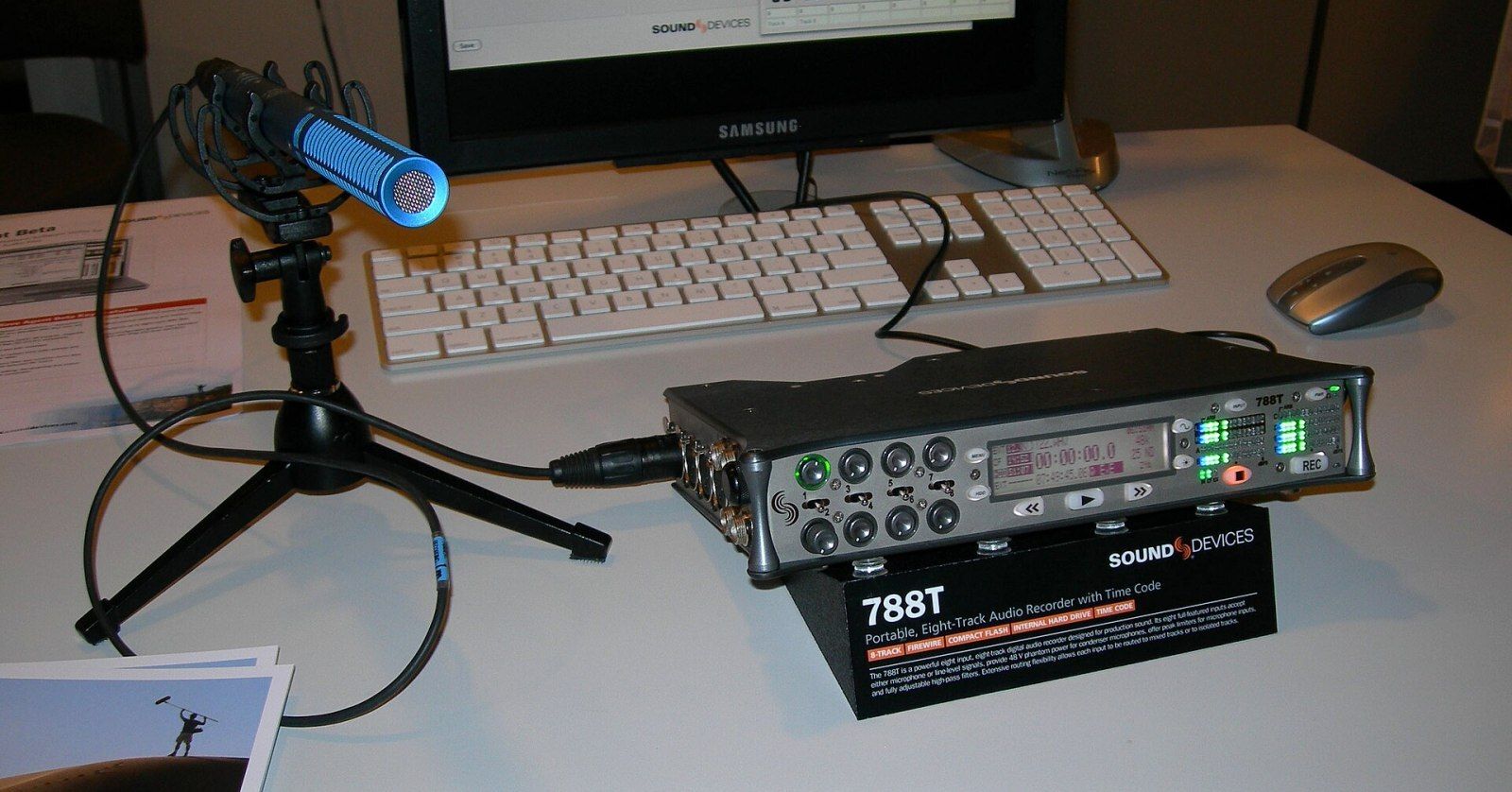
Archival cover: Sound Devices 788T at IBC 2008, photographed by CLI. Cropped and JPEG-encoded. The derivative is licensed under CC BY-SA 4.0.