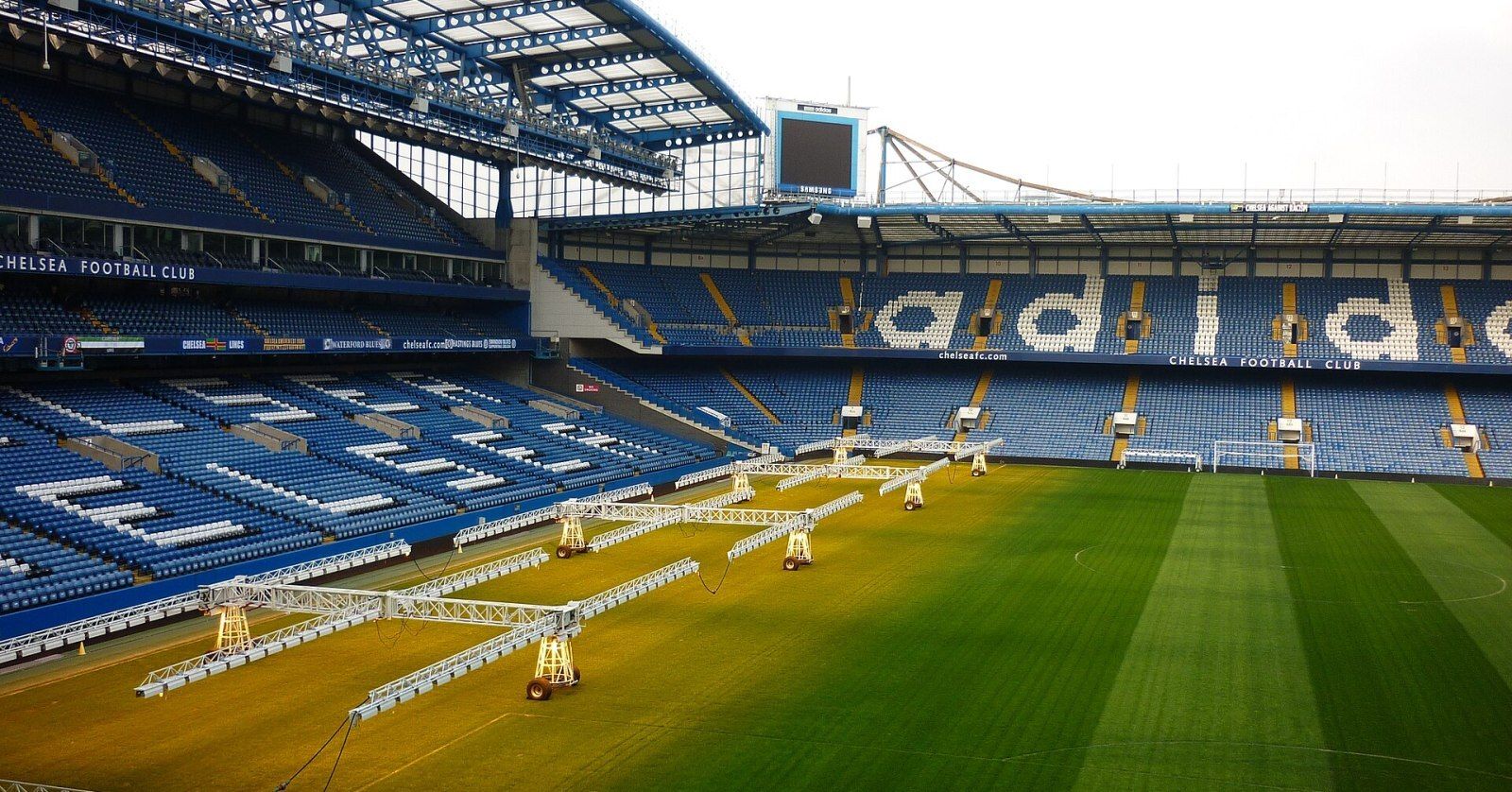

On a slow pan past the advertising boards, the lettering moves forward, jumps back a little, then moves forward again. Freeze the replay and the letters look sharp. If the source is genuinely interlaced, the detail to investigate is the order of the two fields: they captured different instants, even though the replay system groups them into one frame.
What reversed motion looks like in a controlled test
We generated a vertical bar moving four pixels to the right per picture at 50 pictures per second, then combined successive pictures into a 25-frame-per-second top-field-first clip. We decoded that clip twice with FFmpeg’s bwdif filter, producing one output picture per field. Only the assumed input field order changed.
On the same scan line, the bar’s left edge in the first decode advanced through 26, 30, 34, 38, 42, 46, 50, 54 pixels. With the opposite field order, it moved through 30, 26, 38, 34, 46, 42, 54, 50. That repeating backward step is what to look for on the advertising board. These numbers came from a synthetic clip with known motion. A player pausing or a director cutting cameras can make a match recording much harder to interpret. FFmpeg bwdif filter reference
Trace the replay from ingest to the return monitor
- Keep the clip that shows the symptom. Save a short section at native cadence from the contribution recording, the replay export and the off-air return where available. Choose a steady pan or a player running in one direction. Write down the on-screen event so another operator can find the same instant even if the files start at different timecodes.
- Read the declarations. Inspect the video stream at each stage and record its reported field order and frame rate. The ffprobe documentation explains how to select streams and inspect their fields. Treat a declaration as a clue. A progressive export can already contain a backward step baked in by an earlier conversion.
- Change one assumption. Use copies of the earliest interlaced clip. Make one diagnostic decode assuming top field first and one assuming bottom field first, both at one picture per field. Track the same moving edge through consecutive pictures. If both versions stutter at the same instant, inspect the source for a repeated picture or a cadence change before blaming field order.
- Find the first bad handoff. Repeat the comparison on the next available interlaced stage. For an already progressive stage, step through its existing pictures directly. If the contribution advances smoothly and the exported replay moves backward, the replay ingest interpretation and export settings are the next places to inspect. Adobe’s field-order instructions show where an editor can change the interpretation of an individual clip.
- Prove the correction on the return. Keep the original. Route the corrected test export through the same playback path, then examine the same pan. Save a few consecutive pictures from before and after, along with the input and export settings. A relief operator should be able to identify the bad version by watching the motion with the file labels hidden.
Give the replay lead the earliest clean sample and the first bad sample together. That pair identifies who can fix the handoff and gives engineering a repeatable acceptance clip for the next equipment or software change.
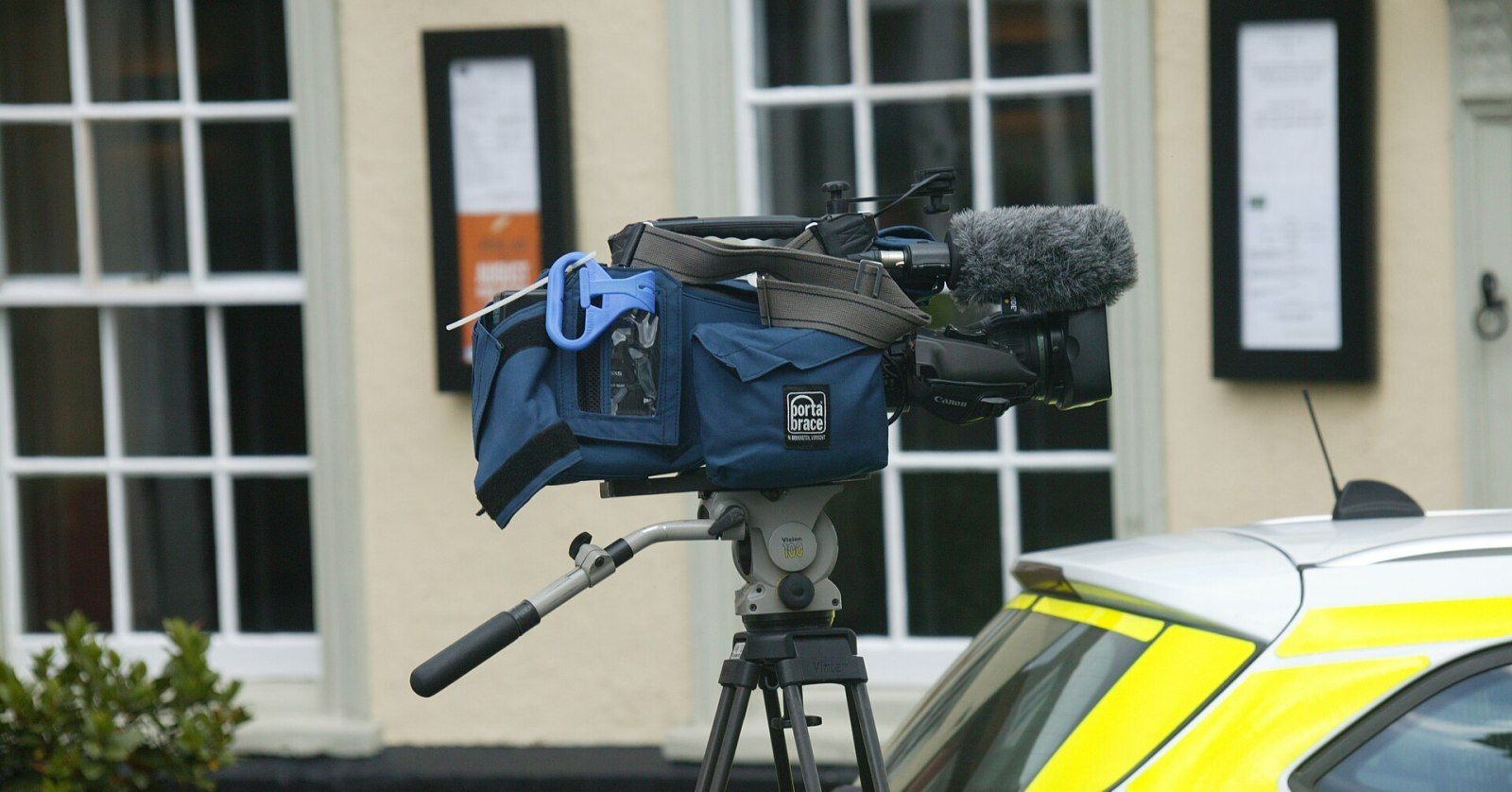
Archival cover: Broadcast camera, photographed by Knelstrom in 2015. Cropped and JPEG-encoded from a photograph dedicated to the public domain under CC0 1.0.